
01
Go beyond the signal
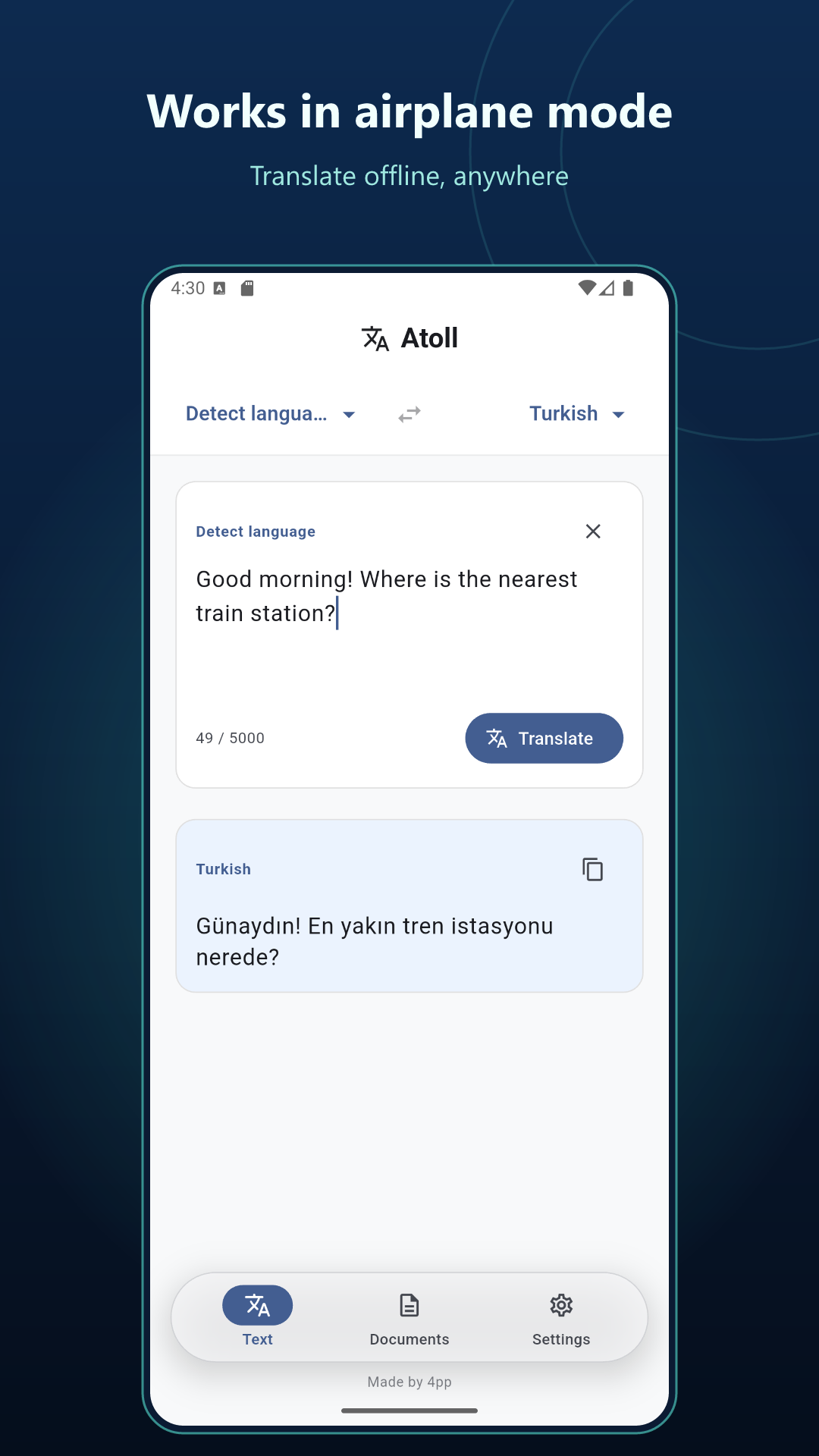
On a flight, on a train, or far from Wi-Fi. Translate fully offline, including in airplane mode.
YOUR WORDS. YOUR DEVICE.
 Atoll: Offline Translator
Translate text and documents in 38 languages. Your words stay on your device, wherever you go.
Android is currently in closed testing.
No account. No ads. No tracking.
LESS CONNECTION. MORE POSSIBILITY.
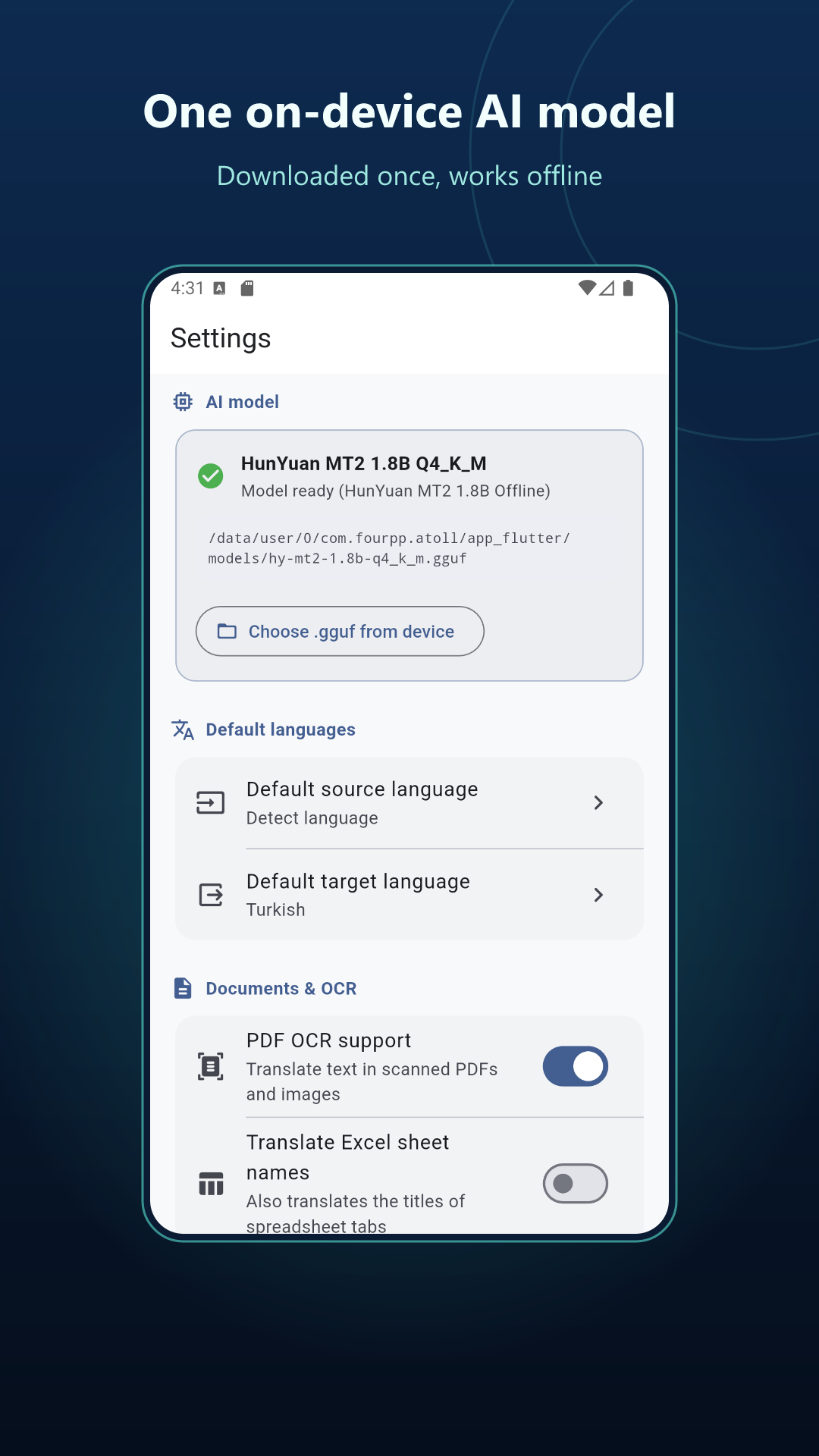
Atoll runs the Tencent Hy-MT2 1.8B translation model directly on your device with llama.cpp. Powerful on-device AI, without sending your words to a server.
On a flight, on a train, or far from Wi-Fi. Translate fully offline, including in airplane mode.
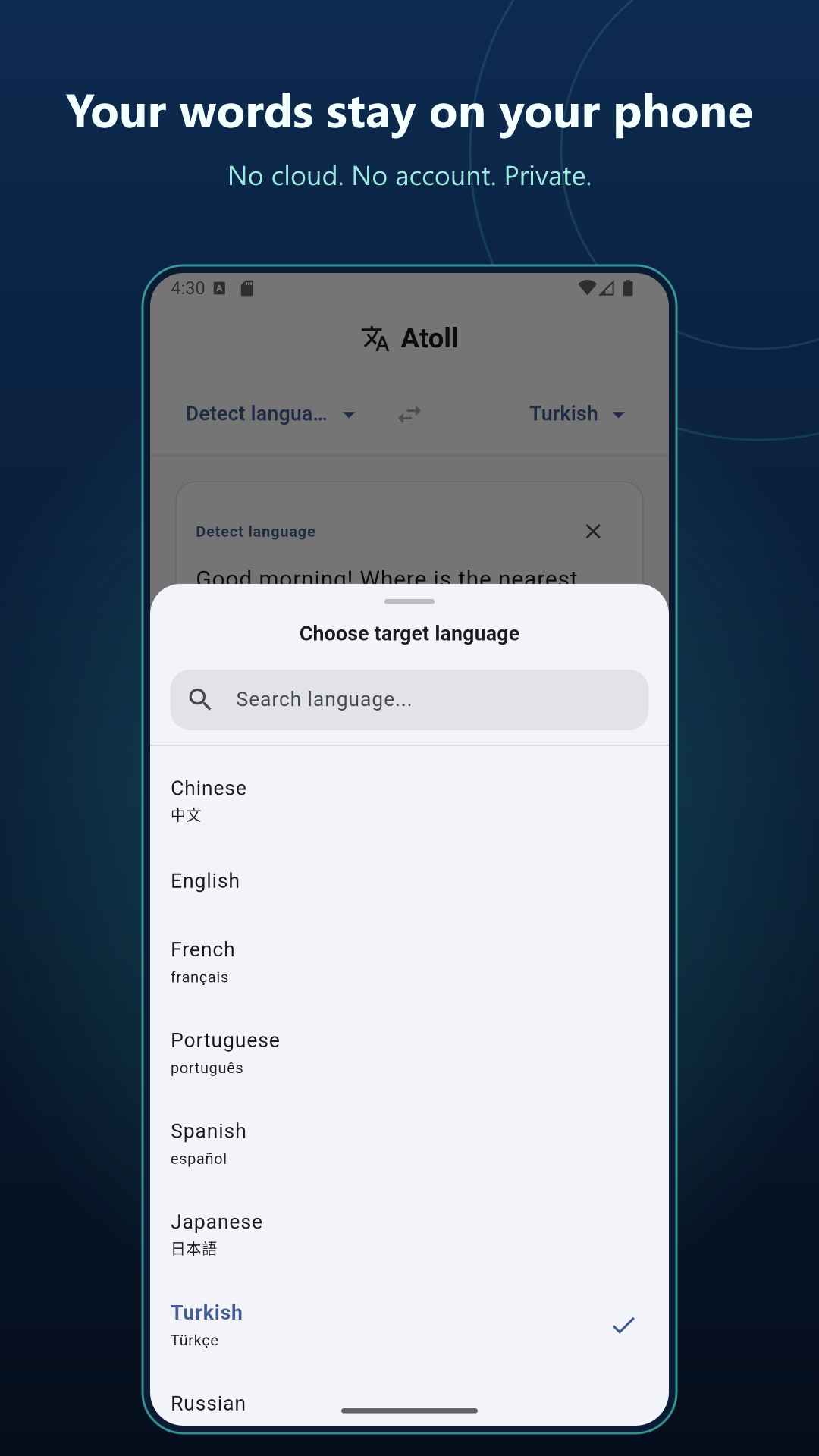
Your text and documents never leave your device. No account, sign-up, tracking, analytics, or ads.
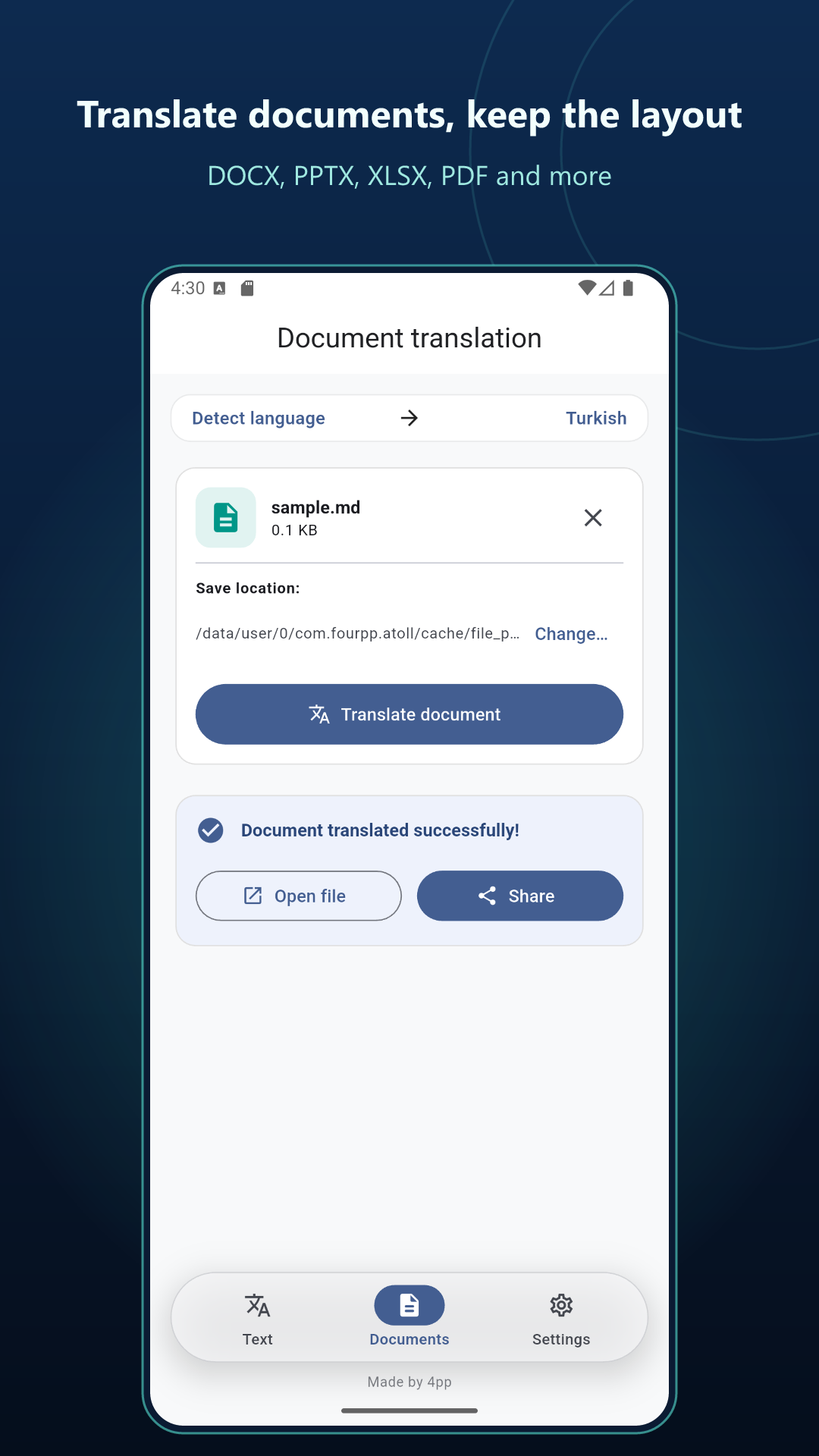
Translate DOCX, PPTX, XLSX, PDF, TXT, and MD. Keep fonts, styles, tables, slides, and sheets in place, and choose where to save.
On-device OCR reads scanned PDFs and image-based pages before translation. Nothing is sent online.
From English and Turkish to Chinese, Arabic, Japanese, and more. Pick your language pair and let Atoll detect the source language.
Type or paste your text, choose a language, and translate in seconds. The interface is available in dozens of languages.
A CLOSER LOOK
A look at the Android app, currently in closed testing. The same offline-first idea, from a quick phrase to a whole document.
ATOLL FOR WINDOWS
The desktop app and translation model come together in a single package. No Ollama installation. No separate model download. Just your device and your words.
Available for Windows
Get the Windows package. The AI model is already inside.
Unzip the package or run the app. No extra model setup needed.
Choose your text or document and translate. No internet needed.
Recommended setup for the Windows app.
TAKE YOUR WORDS WITH YOU
For travelers without roaming, students and researchers, professionals handling confidential documents, and anyone who wants to translate without giving up their privacy.
The Windows package includes both the desktop app and the AI translation model. That is why it is larger than a typical app download, and why it can translate offline without downloading a model later.
On Windows, no. The model is bundled with the app, and Atoll uses llama.cpp to run it directly on your device. Download, unzip or run, and translate.
Your text, documents, scanned pages, and translations are processed on your device and never uploaded. Atoll has no accounts, ads, tracking, or analytics.
DOCX (Word), PPTX (PowerPoint), XLSX (Excel), PDF, TXT, and MD. Atoll preserves the layout, fonts, styles, tables, slides, and sheets. Scanned PDFs can be read with on-device OCR.
The Android app is currently in closed testing and is coming to Google Play. On first launch, Android downloads the model once (about 1.1 GB). Use Wi-Fi if possible and keep enough storage free. After that, translation works offline.
Atoll supports 38 languages, including Chinese, English, Turkish, French, German, Spanish, Portuguese, Italian, Russian, Arabic, Japanese, Korean, Hindi, Persian, Urdu, Vietnamese, Thai, and more.